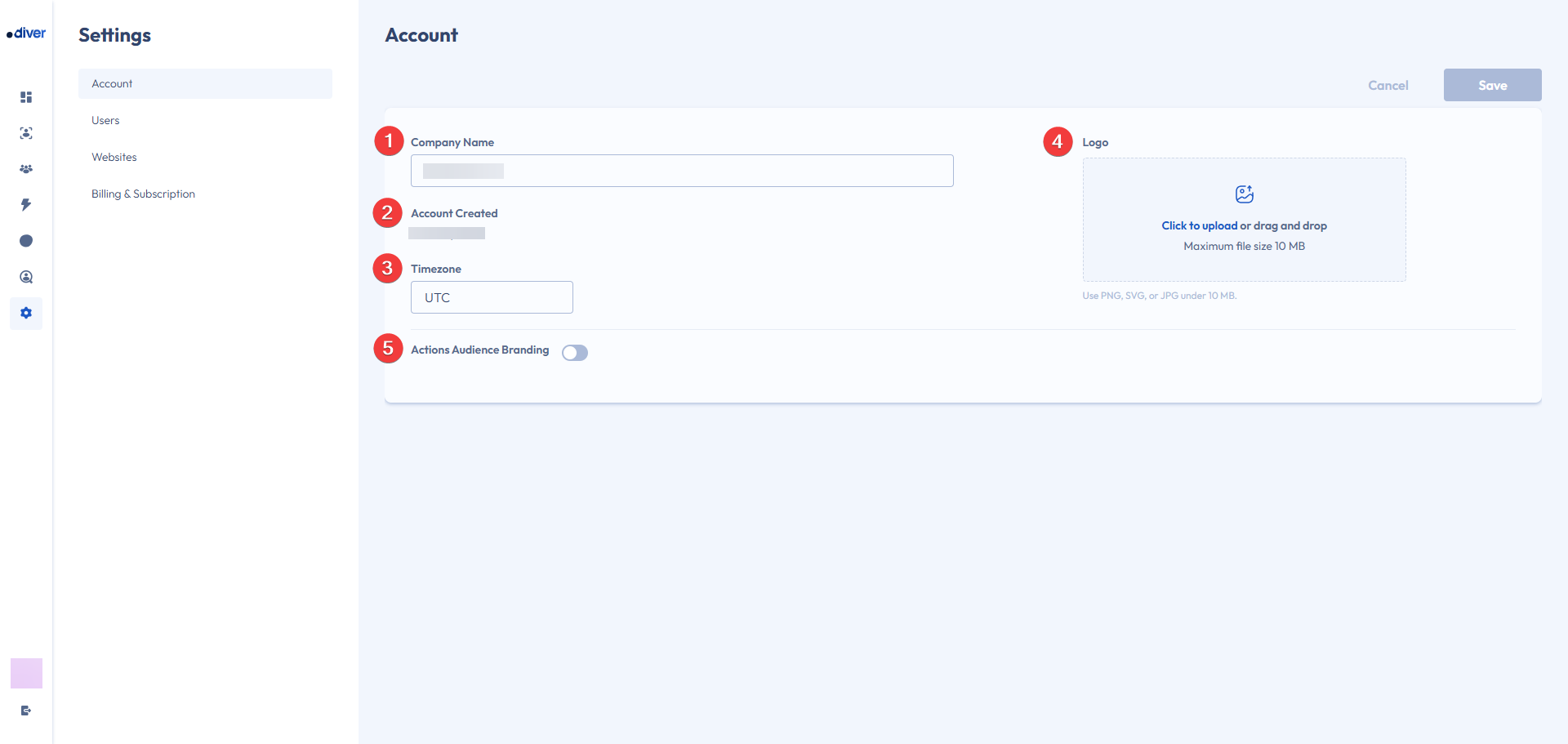
Below is a list of the current setting options in the account settings page:
- Company Name: This is where you can update your Account Name.
- Account Created: This is when the account was created.
- Timezone: This is still currently locked.
- Logo: You can upload a logo to update the icon in the bottom left.
- Actions Audience Branding: You can turn on and set up actions branding with the toggle, read more about setting this up in our Action Branding Help Guide.