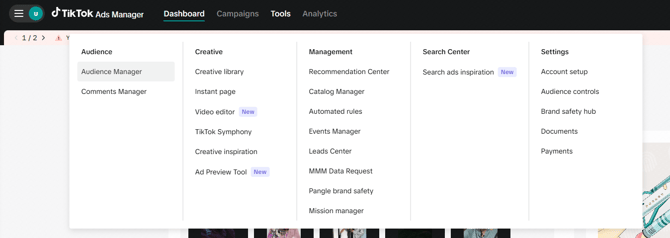
- A TikTok ad account with "Account Operator" or "Account Admin" access and valid login credentials
-
If you are managing multiple TikTok ad accounts in Business Centre, make sure you have the right permissions for each ad account you want to sync audiences to.
-
-
At Least One Pearl Diver Audience Created
-
Create an audience in Pearl Diver for the data you wish to send through the TikTok Ads integration.
-
-
Minimum Audience Size Requirement
-
TikTok requires at least 1,000 matched users in a Custom Audience for it to be usable in ad targeting.
-
- Log in to your Pearl Diver dashboard
- Click the + icon next to Actions on the right hand side of the dashboard home page
- Click on TikTok in the left hand panel
- Click Authorize - this will prompt you to log in to your TikTok account
-
A new window will open to authorize the TikTok integration
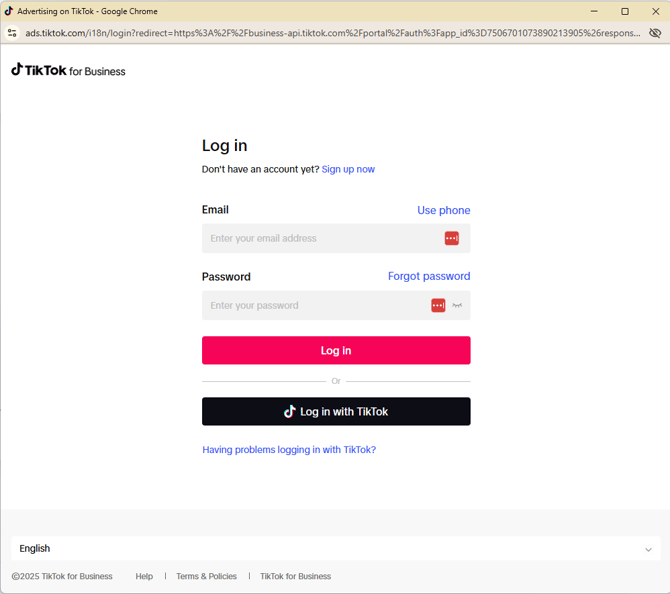
Grant Permissions - TikTok will ask for your consent to allow Pearl Diver to:
-
Access your ad account(s)
-
Manage custom audiences on your behalf
-
Click “Authorize” to proceed.
You will see a Pearl Diver confirmation page. Close this window to continue with the integration.
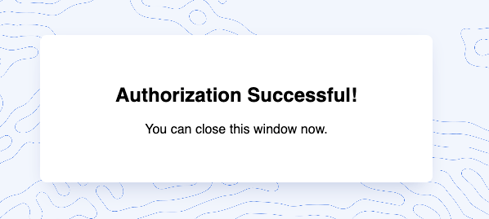
- Once you have closed the Authorization Successful window, the dashboard page will retrieve a list of the ad accounts your chosen TikTok account has access to.
- In the Ad Account drop down below the Authorized as section, select the TikTok ad account you would like to send the audience data to. Once selected, click Update.
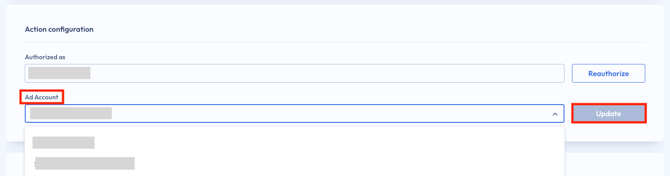
If a green check appears in the bottom right hand corner of your dashboard, you have successfully integrated your TikTok ad account with Pearl Diver!
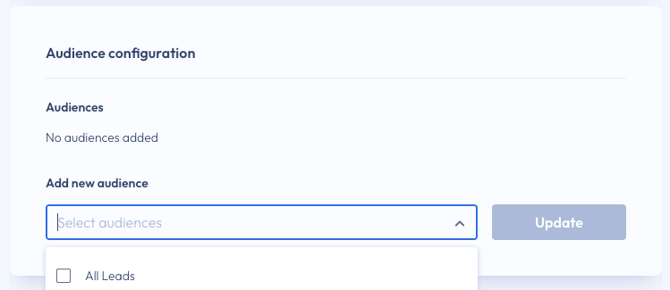
- In the Audience Configuration section (right below the Action Configuration) select the drop down menu to Add New Audience and select the intent audience(s) you would like to send to TikTok
- If you plan includes a Pearl Diver tracking pixel, you can also select the All Leads list to send your identified website visitors to TikTok for retargeting campaigns
- When all audiences are selected, click Update
- How to segment website visitor data with Pearl Diver Audiences
❓ How will Pearl Diver audiences be displayed in my TikTok ad account?
In TikTok Ads Manager account, audiences can be found under Tools → Audience → Audience Manager: